What is a golf simulator? How the parts work together
A golf simulator is a launch monitor, screen, projector, computer and mat working as one system. How each part works, the space it needs and what it costs.
- Topic
- How To
- Published
- Updated
- Read
- 5 min
- Carry
- 1,223 words
In this guide 7 sections
A golf simulator is a set of five parts that work as one system: a launch monitor measures your shot, a computer turns that data into a ball flight, a projector shows it on an impact screen, an enclosure contains the ball, and a hitting mat stands in for the turf. You hit a real ball into the screen and watch the rest of the shot play out on a virtual course or range.
Prices checked November 2026.
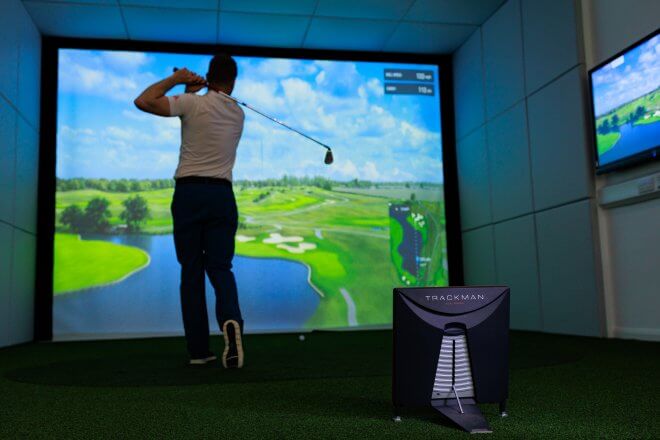
What are the parts of a golf simulator?
Every simulator, from a garage setup to a commercial bay, uses the same building blocks. What changes with budget is the quality of each one.
| Part | What it does | Typical price range |
|---|---|---|
| Launch monitor | Measures the ball (and sometimes the club) at impact | About $500 (Garmin R10) to $13,995+ (Trackman iO) |
| Impact screen and enclosure | Takes the hit, shows the image, keeps the ball contained | About $1,000 to $1,200 for a DIY kit with a standard screen, more for premium screens and larger frames |
| Projector | Puts the course image on the screen | About $1,600 to $2,900 for popular short-throw models |
| Computer and software | Runs the physics and graphics | About $1,400 to $1,800 for an RTX 5070 gaming PC, plus $0 to $1,100 a year for software |
| Hitting mat and turf | Gives you a surface to hit from without hurting your wrists | From about $535 to $2,500 for a mat; more for wall-to-wall turf |
Launch monitor
This is the part that decides almost everything else: where the ball sits, how high the ceiling has to be, which software you can run and how strong the computer needs to be. There are three broad types. Radar units sit on the floor behind the golfer and track the ball in flight. Photometric (camera) units sit beside the ball and photograph it at impact. Overhead units are camera systems mounted in the ceiling above the hitting area. The launch monitor guide covers how each type works and which rooms suit it.
Impact screen and enclosure
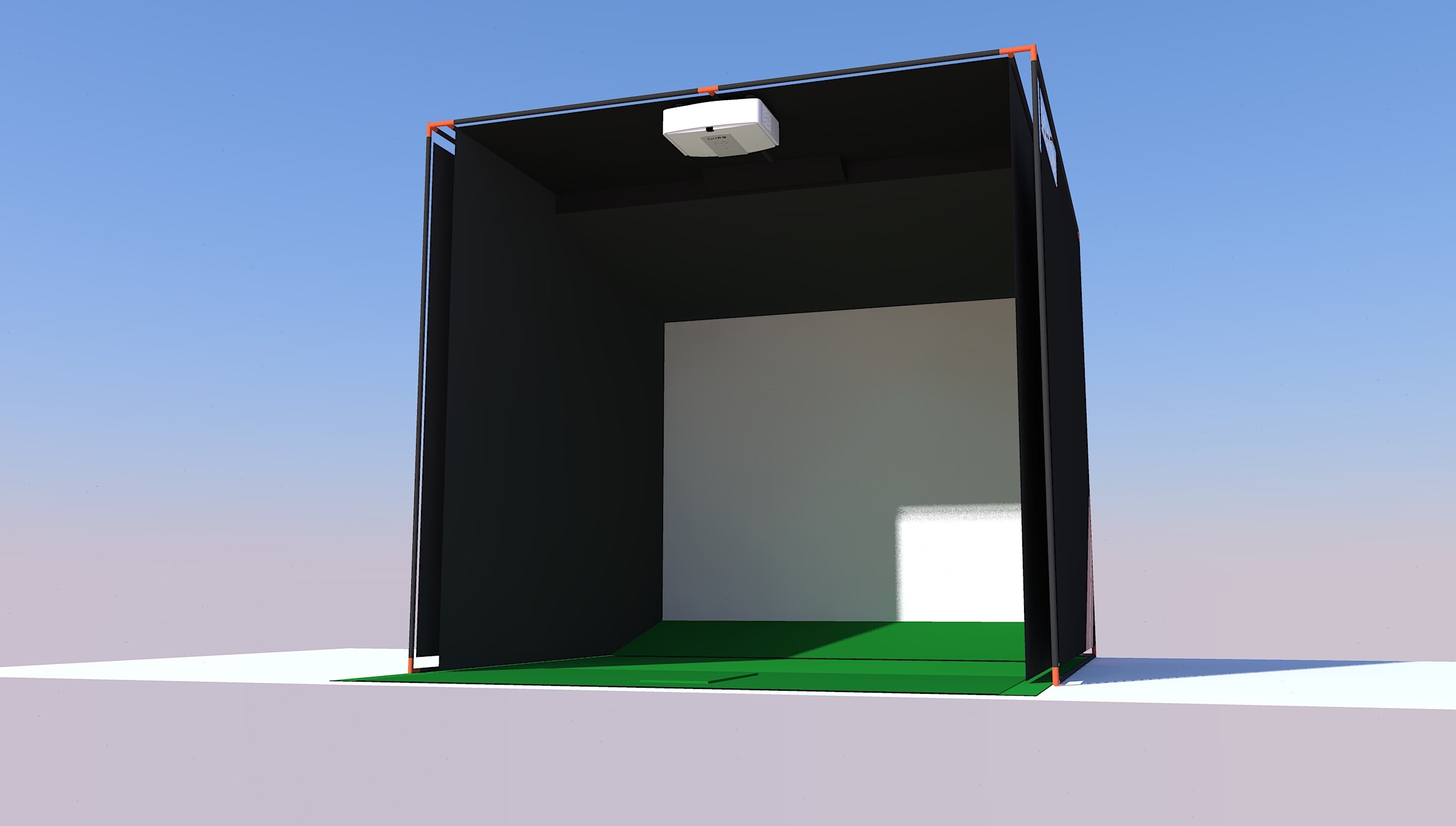
The screen is a tough woven fabric that stops a ball at full speed and still shows a sharp projected image. The enclosure is the frame around it, with side panels and a ceiling baffle that catch mishits. You can buy one as a kit or build the frame yourself; the enclosures section covers both.
Projector
Most home builds use a short-throw projector mounted on the ceiling above or just behind the golfer, so the golfer doesn't cast a shadow on the screen. The key spec is throw ratio, which tells you how far back the projector has to sit to fill a given screen width. The projector guide walks through throw ratio, brightness and placement.
Computer and software
The software takes the launch data and draws the shot on a course. Popular options include GSPro, E6 Connect, Trackman's own software and the apps that come with each launch monitor. GSPro is $250 a year and supports a long list of launch monitors, though some brands require their own paid tier before they'll connect. The computer guide lists the specs each program needs, and the software comparison covers the programs themselves.
Hitting mat and turf
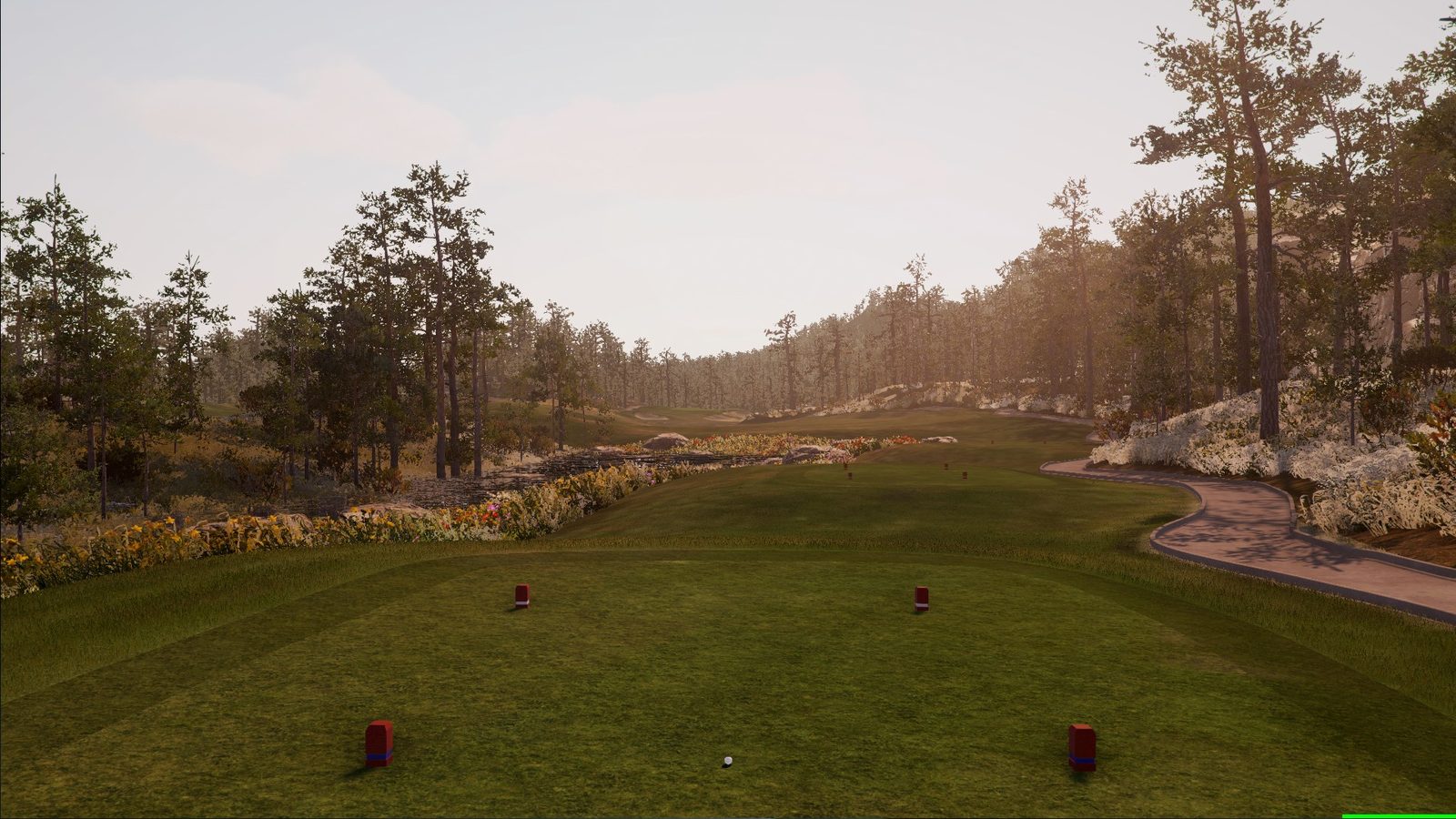
A good mat lets the club slide through the way it would on grass. Cheap, hard mats are rough on wrists and elbows. Expect to replace a mat every two to four years if you use the simulator often, and remember that turf, underlayment and the mat itself raise the floor by about 1 to 1.5 inches.
How does a golf simulator turn a swing into ball flight?
The ball only travels 8 to 12 feet before it hits the screen. Everything you see after that is calculated.
- Impact. The launch monitor captures the ball as it leaves the clubface: ball speed, launch angle, launch direction, and spin rate and axis. Many units also report club data such as club speed, path and face angle.
- Data transfer. The numbers go to the computer or app over USB, Ethernet, Wi-Fi or Bluetooth, usually in a fraction of a second.
- Physics. The software models the full flight from those launch conditions, including carry, curve and how the ball bounces and rolls on the virtual ground.
- Display. The projector shows the ball leaving the tee and landing on the course, and the software records the shot for scoring or practice stats.
That's why the launch monitor matters so much. If it reads spin poorly, the software will draw a confident but wrong ball flight.
How much room does a golf simulator need?
Three numbers decide whether a room works: ceiling height, width and depth.
- Ceiling: 9 feet is the practical minimum, and it's also the minimum height most overhead launch monitors list. Ten feet gives most players up to about 6'4" a full driver swing.
- Width: 12 feet works if the ball is offset to one side. At 15 to 16 feet the launch monitor can sit in the center and both left- and right-handed players can hit from the same spot.
- Depth: About 17 feet is a workable minimum: roughly 1 foot behind the screen, 8 feet from ball to screen, and 8 feet behind the ball for the swing. At 19 to 20 feet you have room for seating.
Radar units change the depth math because they sit several feet behind the ball. Launch House has a longer breakdown of room dimensions by ceiling height, width and depth.
What does a golf simulator cost?
The range is wide because the launch monitor alone can cost anywhere from about $500 to more than $20,000. These are the rough bands I see in 2026:
| Build type | Typical total | What it usually includes |
|---|---|---|
| Budget DIY | About $5,000 | Entry launch monitor, DIY enclosure kit, short-throw projector, basic mat |
| Mid-range DIY | About $10,000 | Camera launch monitor, gaming PC, better screen and mat |
| High-end DIY | About $20,000 | Overhead launch monitor, 4K laser projector, padding and turf |
| Professionally installed home room | About $18,000 to $60,000+ | Design, install, padding, turf, calibration |
| Commercial multi-bay | About $85,000 to $300,000+ | Several bays built for daily public use |
Two costs catch people off guard. Software is often a yearly subscription, from about $100 to $1,100 a year. And the cheap all-in-one kits sold online often leave out projector mounts, cables, padding and software, so the real total ends up higher than the sticker price. The DIY build guide has a parts list for each budget, and the full golf simulator cost breakdown covers installed builds too.
How is a commercial simulator different from a home setup?
The parts are the same. The demands are not. A commercial bay might see eight or more hours of play a day, so operators use tougher screens and mats, commercial software licenses, more impact protection and systems for booking, payment and door access. Some indoor golf venues now run with no staff on site at all. A home simulator gets far less use and can lean on a single person who knows how to fix things when the software hangs.
Where should you start?
Measure the room first (the room dimensions guide has the numbers), then pick the launch monitor, then size everything else around those two decisions. If you plan to build your own, start with the step-by-step DIY guide and the DIY enclosure guide.