Golf simulator kits: a buyer's checklist
What a golf simulator kit really includes, what you'll still buy, the questions to ask the seller, red flags, and a kit sticker price worked out to a real total.
- Topic
- How To
- Published
- Read
- 8 min

In this guide 9 sections
- What comes in a typical golf simulator kit?
- What will you still have to buy?
- Measure these four things before you order
- Questions to ask the seller before you buy
- Red flags in a kit listing
- Worked example: a kit's sticker price vs the real total
- When is a kit the right buy?
- Kit, separate parts or hired: which way should you go?
- Questions people ask
A golf simulator kit usually includes five things: a launch monitor, an enclosure with an impact screen, a hitting mat, a projector and, often, a basic projector mount. What it usually doesn't include is everything that connects those parts to your house: the computer, the software subscription, power at the ceiling, cable runs, turf and padding outside the enclosure, lighting and the labor to put it all up. Budget about 25 to 45 percent over the sticker price for a DIY install, and more if you hire it out. This page is a checklist to work through before you order, plus one kit priced out to a real total.
Prices checked November 2026.
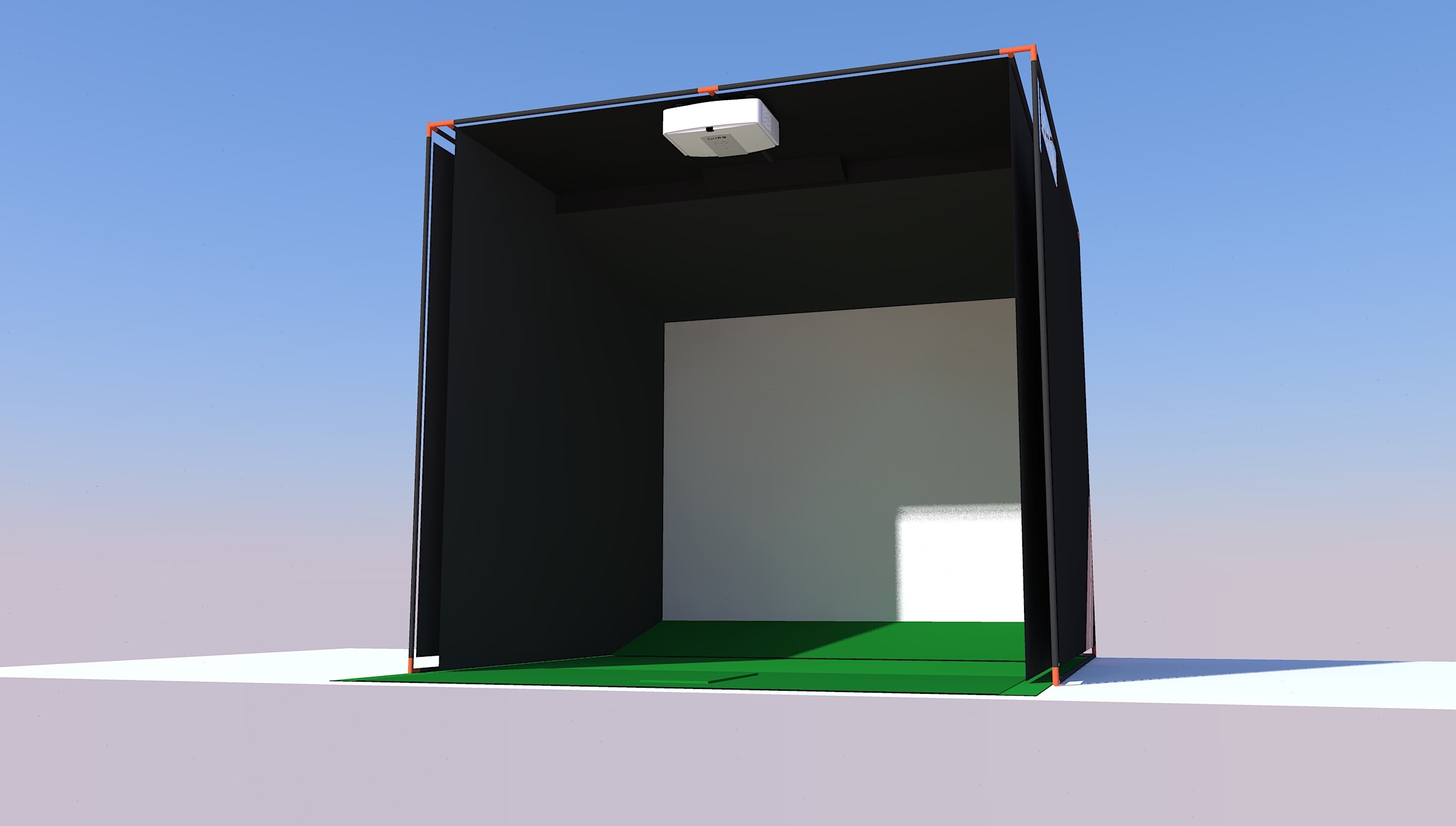
What comes in a typical golf simulator kit?
Packages from retailers like Carl's Place, PlayBetter and others are built around a launch monitor, with the rest of the parts sized to match. A typical bundle looks like this:
- Launch monitor. The part that decides the price tier, the room it fits and the software it runs.
- Enclosure and screen. A frame (sometimes the pipe is extra), an impact screen, side panels and a ceiling baffle in a few fixed sizes.
- Hitting mat. Usually a stance mat with a hitting strip, not wall-to-wall turf.
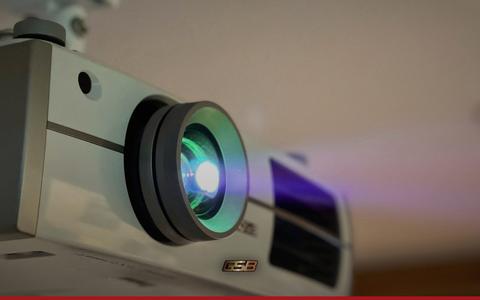
- Projector. Most current packages use a short-throw model so it can sit over or just in front of the ball.
- Projector mount. Often a flush ceiling mount, which only works if your ceiling is close to the height the kit assumes.
Matching those five parts is real value. The screen size matches the enclosure, the projector's throw matches the screen, and you aren't guessing at fittings. The gaps are in what the kit can't know about your room.
What will you still have to buy?
Print this table and tick each line before you order. "Sometimes" means read the listing; packages differ.
| Item | In the kit? | Typical extra cost | Why it matters |
|---|---|---|---|
| Computer | Sometimes, as an add-on | About $1,400-2,000 for an RTX 5070 class PC; more for 4K | The software sets the spec, and some software is Intel-only |
| Simulation software | Sometimes, first year only | GSPro $250/yr; E6 Connect $300 or $600/yr | Some launch monitors need their own paid tier to connect |
| Launch monitor membership | Rarely | Varies; Rapsodo Premium is $199.99/yr | Can be required for third-party software |
| Projector drop mount | Rarely | About $50-80 for a basic extension pole; about $370-515 for golf-branded drop kits | Needed when the ceiling is well above the enclosure |
| HDMI run, PC to projector | No | About $50-100 for a 50 ft fiber HDMI cable | A cheap copper cable at that length can drop the signal |
| Ceiling power | No | About $150-350 per outlet; about $450-900 per dedicated circuit | Projectors and overhead launch monitors need power at the mount |
| Turf and padding outside the enclosure | No | About $300-800 in a typical room | The mat covers your stance, not the floor around it |
| Lighting changes | No | Depends on the room | Light on the screen washes out the image |
| Install labor | No | DIY, or about $1,000-4,000 hired | Mounting into joists and calibration take the most time |
If the kit includes a computer, check its graphics card against the software you plan to run. If it includes software, check whether that's a one-year license or a permanent one. The golf simulator cost breakdown has these extras by budget tier.
Measure these four things before you order
A kit is designed for an average room. These are the four checks that tell you whether yours is close enough. The room dimensions reference has the thresholds behind each one.
- Ceiling height against the launch monitor. Measure from the finished hitting surface to the lowest obstruction over the hitting area, minus about 1 to 1.5 inches for turf and mat. An overhead unit has a published mounting range; the ProTee VX wants 9 to 10 feet. If your number is outside the range, you need a drop mount or a different launch monitor before anything else.
- Clear width against the enclosure. Measure wall to wall at the narrowest point, past shelves, the water heater and the electrical panel. Carl's Place tells buyers to add 2 to 3 inches of buffer on each side and above the enclosure's outside dimensions. Then check that an 8-foot swing circle still fits for every player, including lefties.
- Throw distance against the projector. Throw distance equals throw ratio times image width. The BenQ AH700ST that comes in several packages has a 0.69 to 0.83 throw ratio, so a 10-foot-wide image puts the lens about 6.9 to 8.3 feet from the screen. Make sure that spot is on solid ceiling, out of the swing and in front of the golfer's head. The projector picks list throw ratios for other models.
- Ball-to-screen distance against the launch monitor's manual. I plan on about 8 feet for camera units, but radar units and some overhead units ask for more. Carl's Place lists 10 to 12 feet from tee to screen for its Rapsodo MLM2PRO package, with the unit 6.5 to 8.5 feet behind the ball. That's a deep room.
Questions to ask the seller before you buy
- What exact model is the projector, and what are its throw ratio, native resolution and brightness?
- Is the pipe or frame included, or do I buy it locally?
- What does the included mount assume about my ceiling height? What do I need if my ceiling is higher?
- Is the software a one-year subscription or a permanent license? What does it cost in year two?
- Does the launch monitor need its own membership to connect to GSPro or E6 Connect?
- Is a computer included? If so, what graphics card, processor and RAM?
- Can the setup be used by left- and right-handed players without moving the launch monitor?
- Will it ship in one box or several, and what happens if one piece is damaged?
- Is the enclosure made to order? What's the cancellation and return policy once it's cut?
- Who do I call for setup help, and is that a person or a ticket system?
A seller who answers all ten in writing has earned the order. A seller who can't tell you the projector's throw ratio hasn't.
Red flags in a kit listing
- No model numbers. "4K projector" or "pro launch monitor" without a model means you can't check the specs. Lumens, throw ratio and native resolution should be on the page.
- "Compatible with GSPro" with no mention of fees. Compatibility can depend on a paid tier. Carl's Place's MLM2PRO package lists a GSPro subscription license, but the MLM2PRO still needs a Rapsodo Premium membership, $199.99 a year, to connect to third-party software. That's about $450 a year for both.
- One enclosure height for every room. If your ceiling is 11 feet and the enclosure is 8 or 9 feet, the projector and any overhead unit have to drop to it. That hardware usually isn't in the box.
- A floor launch monitor and no word on lefties. Floor units beside the ball have to move to the other side for a left-handed player, and the room has to have space for that.
- A price far below the sum of the parts. Price the launch monitor and projector on their own. If the bundle is barely more than those two, something else in it is a budget substitute. Ask which part.
- No named support. A PDF manual tells you how to power the unit on. It won't tell you how to fit an image to a screen from an odd mounting spot.
Worked example: a kit's sticker price vs the real total
Carl's Place lists its Ready-to-Golf ProTee VX bundle from $9,995. Per the listing, that includes a DIY enclosure with pipe and fittings, a premium impact screen, a foam insert kit, the ProTee VX with two swing cameras and ProTee Labs software, a BenQ AH700ST or AK700ST projector, a ceiling projector mount and a 4 x 9 ft HotShot hitting mat. The computer is an option, and GSPro isn't listed as included. I've treated the starting price as the smallest enclosure with the 1080p AH700ST; confirm that in the cart, since the listing doesn't break it out.
| Line item | Cost | Notes |
|---|---|---|
| Bundle, base configuration | $9,995 | Listed starting price |
| Gaming PC | About $1,400-2,000 | RTX 5070 class, enough for GSPro at 1080p |
| GSPro, first year | $250 | ProTee Labs is included; GSPro is separate |
| Fiber HDMI cable | About $50-100 | The VX's 32 ft Cat6 cable comes in the box |
| Ceiling power | About $450-1,250 | One dedicated circuit, plus outlets at the VX and projector |
| Turf and padding outside the enclosure | About $300-800 | Floor around the mat, any hard surface a shank can reach |
| Realistic DIY total | About $12,450-14,400 | About 25 to 45 percent over sticker |
| Hired install (optional) | About $1,000-4,000 | Brings the total to about $13,500-18,400 |
| Drop mount (only if needed) | About $50-515 | Ceiling well above the enclosure |
That doesn't make the bundle a bad buy. The VX alone sells for about $6,500, so the package price for the rest is fair. It means the number to compare is $12,500 to $14,500, not $9,995. Step up to the 4K projector, a bigger enclosure and wall-to-wall turf, which is where most overhead-unit rooms end up, and you land in the $20,000 to $35,000 dedicated-room range from the cost breakdown. Software has a five-year cost too: GSPro at $250 a year is $1,250 over five years.
When is a kit the right buy?
A kit fits well when most of these are true:
- The room is rectangular and golf-only, with about a 9 ft ceiling, 12 ft of width and 17 ft of depth or better.
- The ceiling height is inside the launch monitor's mounting range, so the included mounts work as shipped.
- You're comfortable finding joists, mounting into them and running cable.
- You can give it five to seven full days for a first install, including calibration.
- You've already decided on software and checked what the launch monitor needs to run it.
A kit is harder to make work when the ceiling is low or very high, the room is narrow and has left- and right-handed players, the space has to do another job, or you want it to look built in. In those cases, a different enclosure type or a custom parts list usually costs less than adapting a kit after it arrives.
Kit, separate parts or hired: which way should you go?
| Approach | Best for | Main risk |
|---|---|---|
| Kit, DIY install | Standard room, handy owner, golf-only space | Treating the sticker price as the total |
| Separate parts, DIY | Unusual rooms, owners who want a specific projector or screen | Parts that don't match each other |
| Kit or parts, hired install | Overhead launch monitors, finished rooms, tight schedules | Paying for choices you could have made yourself |
Whichever way you go, do the planning first. The five-step planning checklist puts the room, power and hardware in the right order, and the planning mistakes that cost the most covers what's expensive to fix later. If you build the frame yourself instead, the DIY build guide has the parts list. Launch House has a longer piece on what tends to go wrong with kit installs if you want another view.